




|
By clicking Subscribe, I agree to receive advertising and other marketing messages from JFK Supplies Inc under the terms of the Privacy Policy and User Agreement. |
|
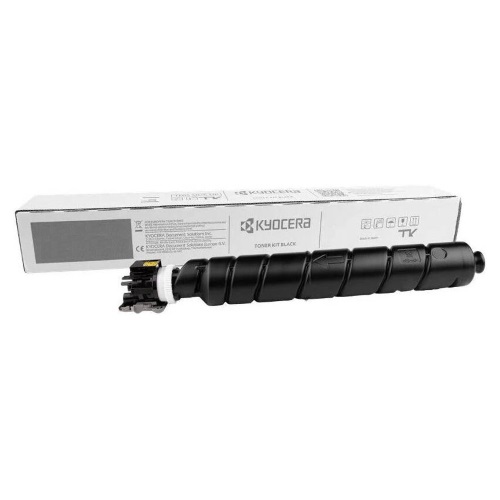
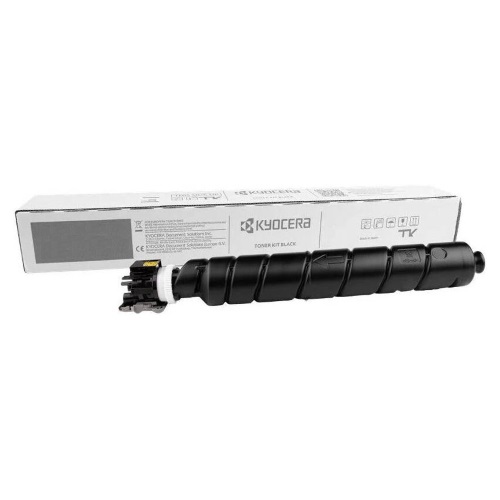
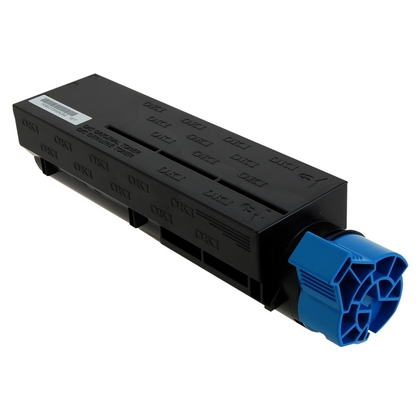
Kyocera TK-6357 1T0C2N0US0 Black Toner Cartridge
Kyocera TK-6357 TK6357 Black Toner Cartridge, High-Yield 1-Pack for TASKalfa MZ4001i,MZ5001i,MZ6001i,MZ7001if Series with chip 40,000 Pages Office & Home Use, Compatible for Kyocera TK-6357 TK6357 Black Toner Cartridge, High-Yield 1-Pack for TASKalfa MZ4001i,MZ5001i,MZ6001i,MZ7001if Series with chip 40,000 Pages Office & Home Use
| $98.99 | Retail $143.89 |
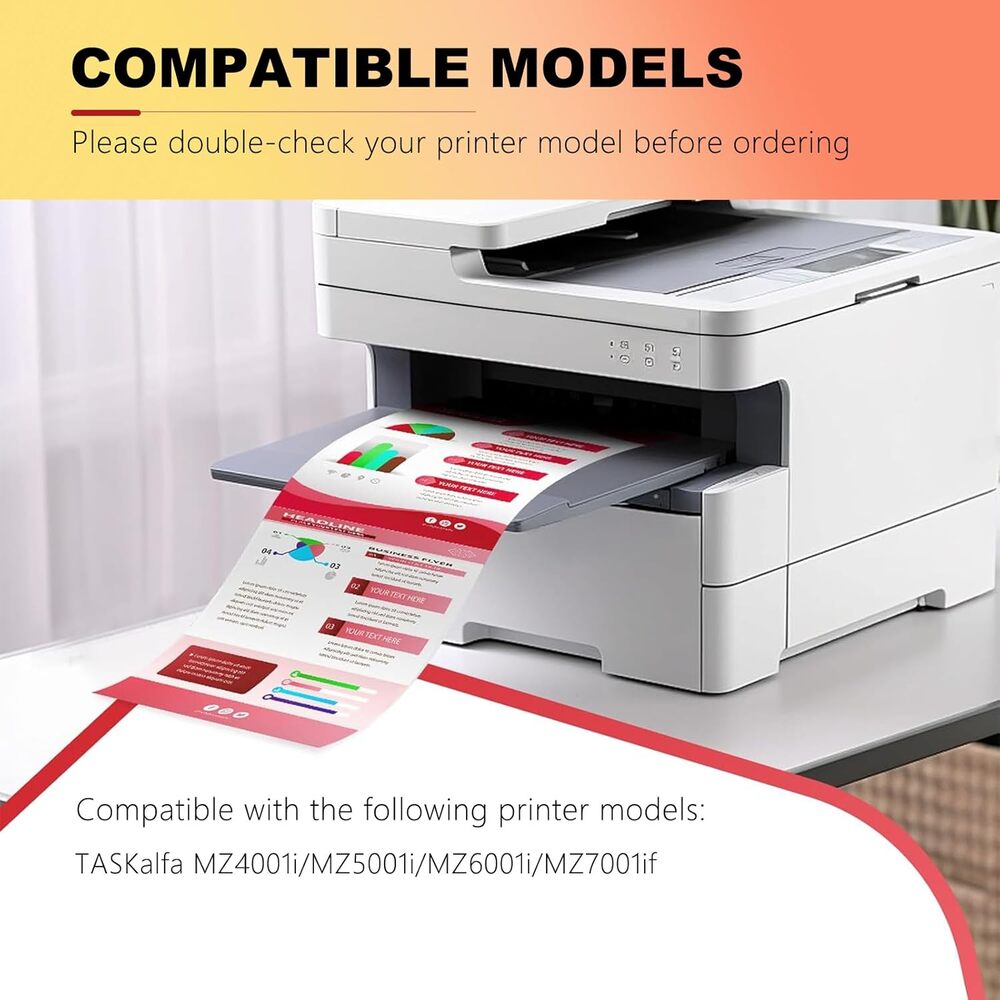
- PERFECT PRINTER COMPATIBILITYEngineered for Kyocera TASKalfa MZ4001i/MZ5001i/MZ6001i/MZ7001if series. Delivers clear, professional text and graphics right out of the box.
- EXCEPTIONAL PAGE YIELD40,000 High-capacity design provides extended usage - ideal for busy offices. Reduces replacement frequency for maximum value.
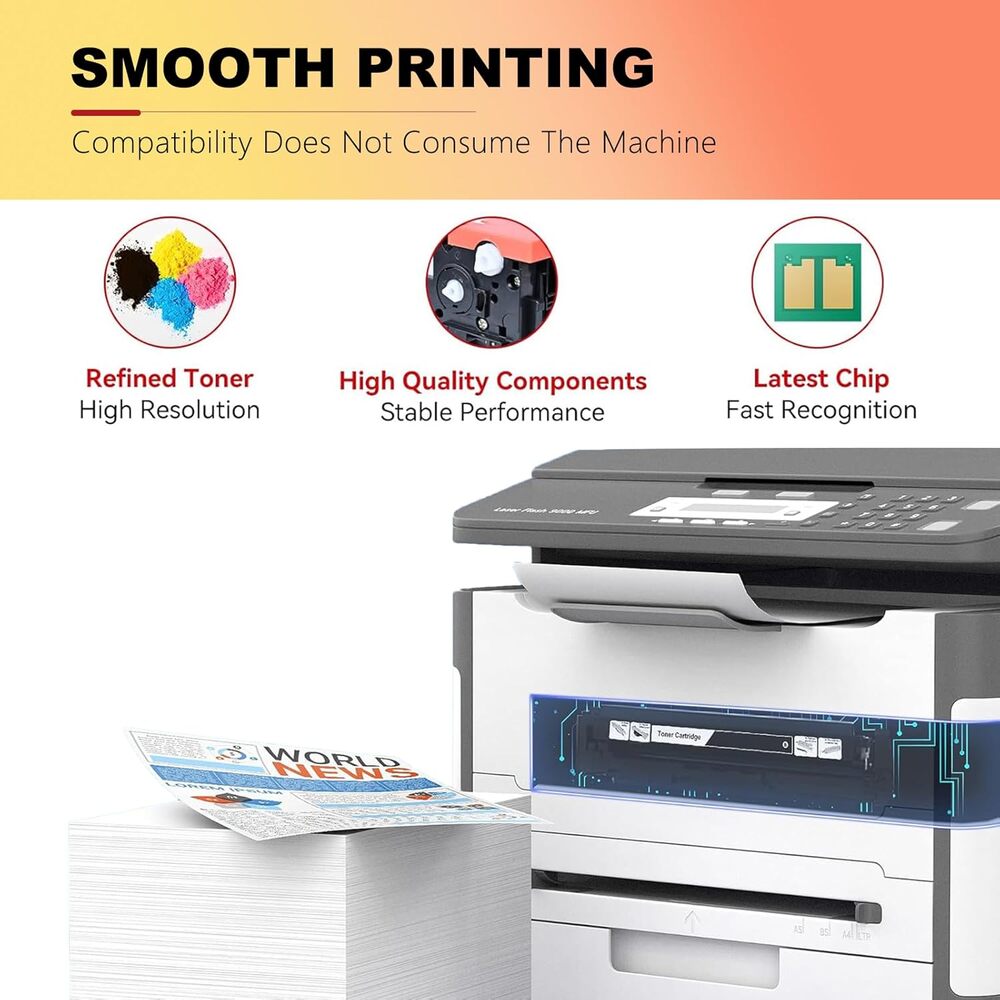
- SMART-CHIP TECHNOLOGYIntegrated chip ensures accurate toner monitoring and error-free printing. Maintains reliable performance throughout cartridge life.
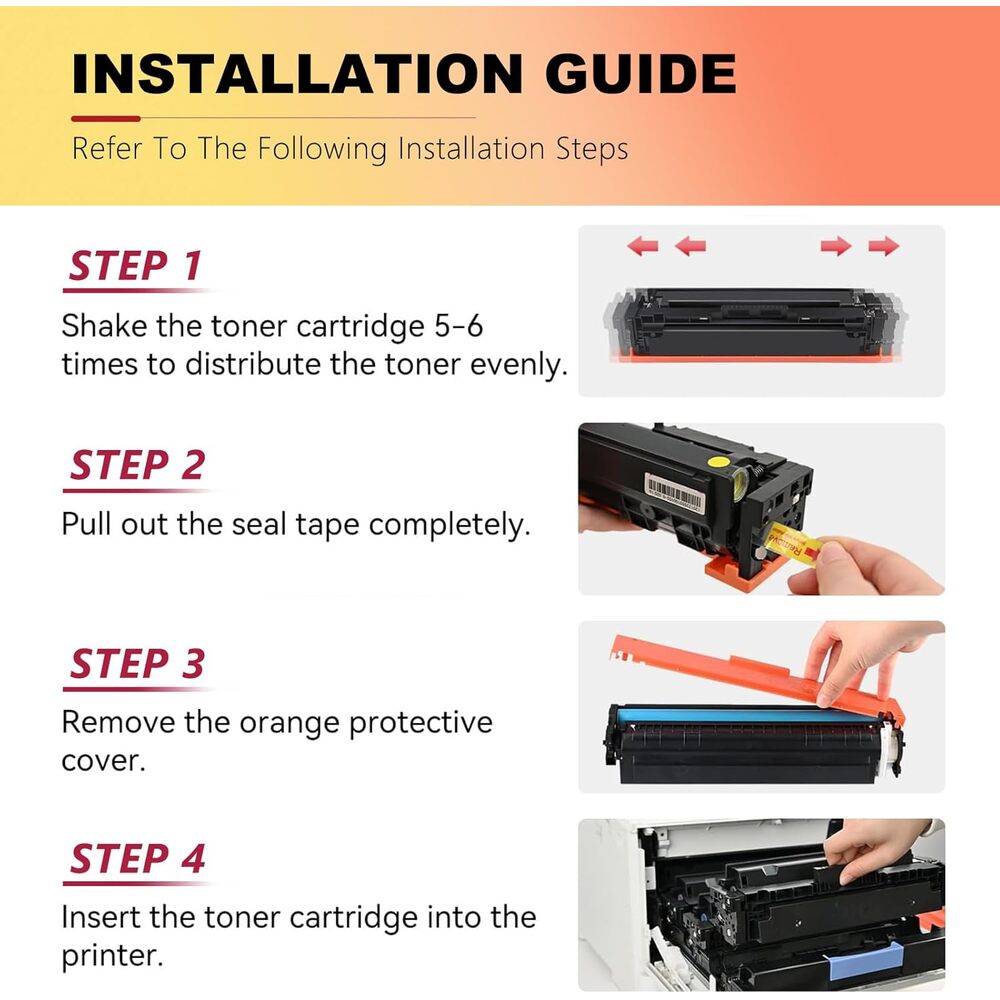
- LEAK-PROOF & EASY SETUPReinforced sealing prevents messy leaks. Simple snap-in installation gets you printing in seconds without hassle.
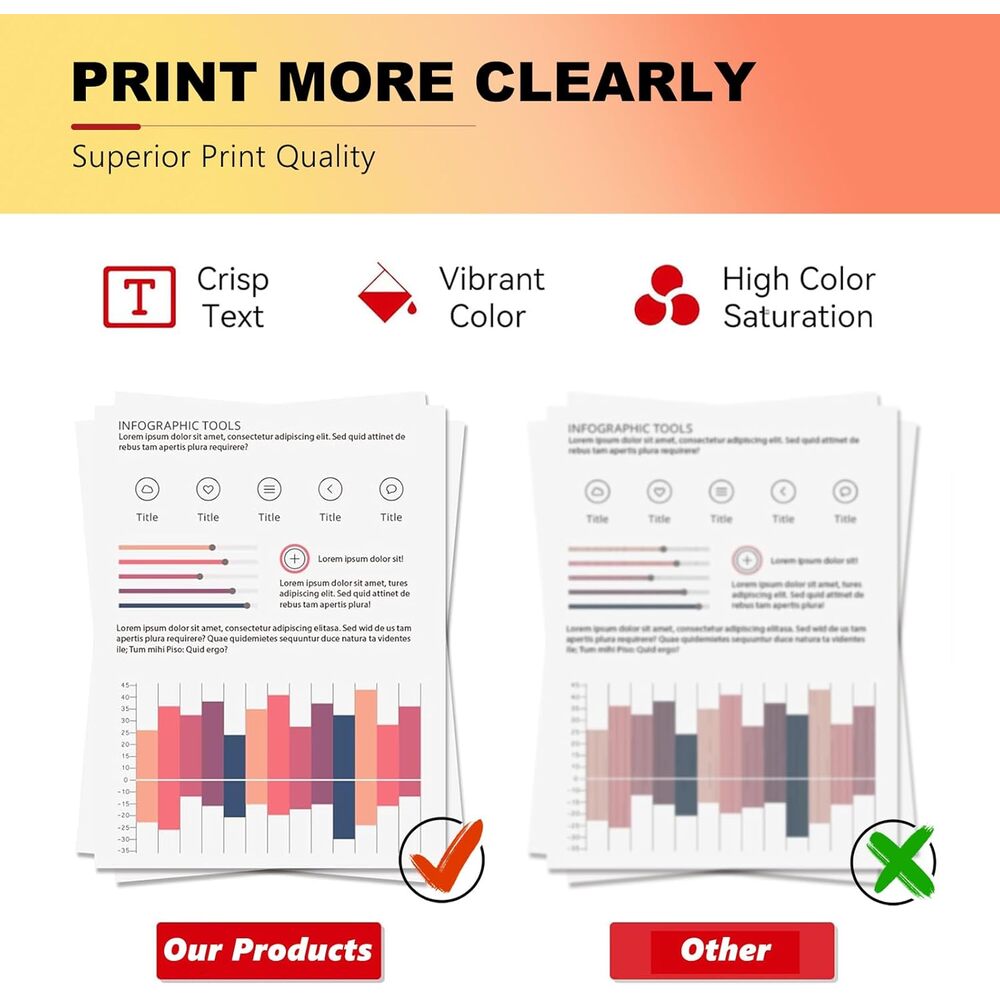
- CONSISTENT PRINT QUALITYEngineered for uniform performance from first to last page. Dependable operation ensures professional results every time.
Manufacturer:
Kyocera-Mita
Item:
TK-6357
Our Part #
KYOTK6357
Condition
New
$98.99EA
$143.89
$143.89
Availability
Currently out of stock
Product description
Before Installation Q: What should I do before installation to prevent issues with a non-original toner? A: You should disable automatic firmware updates. Navigate to: Setup → Printer Maintenance → Update the Printer → Printer Update Options → and select "Do Not Check." If asked "Do you want to turn on Printer Updates?", choose "No." Common Issues & Fixes Q: What should I do if the printer shows "Unrecognized Cartridge" or "Cartridge Error"? A: 1.Reinstall the cartridge: Remove it and firmly reinsert it. 2.Check for parts: Ensure all protective covers and tape have been removed. 3.Clean the chip: Wipe the cartridge"s electronic chip gently with a dry, soft cloth. 4.Restart the printer: Power it off, unplug it for 1-2 minutes, then plug it back in and turn it on. Q: How can I fix black lines, spots, or a gray background on my prints? A: 1.Print a few blank pages to help clean the drum. 2.Gently shake the toner cartridge to redistribute the powder inside. 3.Clean the inside of the printer according to the printer manual. Q: My prints are too light or blurry. What can I try? A: 1.Shake the toner cartridge horizontally about 10 times. 2.Go into your printer"s settings and increase the print density. 3.Make sure you are using fresh, dry paper. General Reminders Q: What should I do if I see a warning about a "Non-original" or "Altered/Cloned" cartridge? A: Don"t worry. Simply press OK or Continue to proceed. The cartridge will function normally despite this message. Need Help? Q: What if I still need help after trying these tips? A: Please contact the seller directly through Amazon by clicking the "Contact Seller" option on your order. They are ready to assist you.
Specifications
Brand
ACCOER
Date First Available
December 24 2025
Item model number
JZYCP01
Color
Black
Compatible Devices
TASKalfa MZ4001i/MZ5001i/MZ6001i/MZ7001if
Manufacturer
ACCOER